
Download Wondershare Dr.Fone iOS – iOS data recovery, iPhone data recovery, lost file recovery, data recovery tool, recover deleted files
Overview
Wondershare Dr.Fone for iOS is a specialized data recovery tool designed to assist users in retrieving lost or deleted files from their Apple devices. The application targets individuals who have experienced accidental data loss due to deletion, software updates, or device malfunctions. It serves as a critical utility for those who rely on their iPhone, iPad, or iPod Touch for personal or professional purposes and cannot afford to lose valuable information such as photos, messages, contacts, or ringtones.
The software operates through a computer interface, connecting directly to iOS devices via USB to initiate recovery processes. This approach allows users to restore data without requiring advanced technical expertise. The developer, Wondershare, is known for producing productivity and multimedia tools, though specific details about their background were not provided.
Real-world use cases include recovering family photos after a device reset, retrieving important business contacts following a system update, or restoring text messages after accidental deletion. In the broader app ecosystem, Dr.Fone fills a niche as a dedicated recovery solution, offering a structured alternative to built-in backup systems or cloud services. Its presence underscores the growing need for reliable, third-party tools that support data integrity across mobile platforms.
Key Features & Functionality
- Direct Device Recovery: Users can connect their iOS device to a Windows computer and launch Dr.Fone to begin scanning for lost data. This feature enables immediate access to files without requiring prior backups, making it ideal for urgent recovery scenarios.
- Extensive Compatibility: The tool supports a wide range of iPhone, iPad, and iPod Touch models, ensuring broad accessibility across different generations of Apple hardware. This compatibility helps users across various device ages and configurations.
- File Types Supported: Dr.Fone can recover multiple file types, including images, contacts, messages, and ringtones. This versatility allows users to address diverse data loss situations, from personal memories to essential communication records.
- Last Resort Option: While recovery success is not guaranteed, the software provides a final opportunity to retrieve data before accepting permanent loss. This is particularly valuable in cases where backups are unavailable or outdated.
- User-Friendly Interface: The application features a clean, intuitive layout with step-by-step guidance. Even users without technical experience can navigate the recovery process with minimal effort.
For example, a user who accidentally deleted a folder of vacation photos can connect their iPhone to a computer, run Dr.Fone, and initiate a scan to restore the missing images. Similarly, someone who lost contacts after a failed iOS update can use the tool to recover those entries directly from the device. The structured workflow ensures that each recovery attempt is methodical and accessible.
Interface, UX & Performance
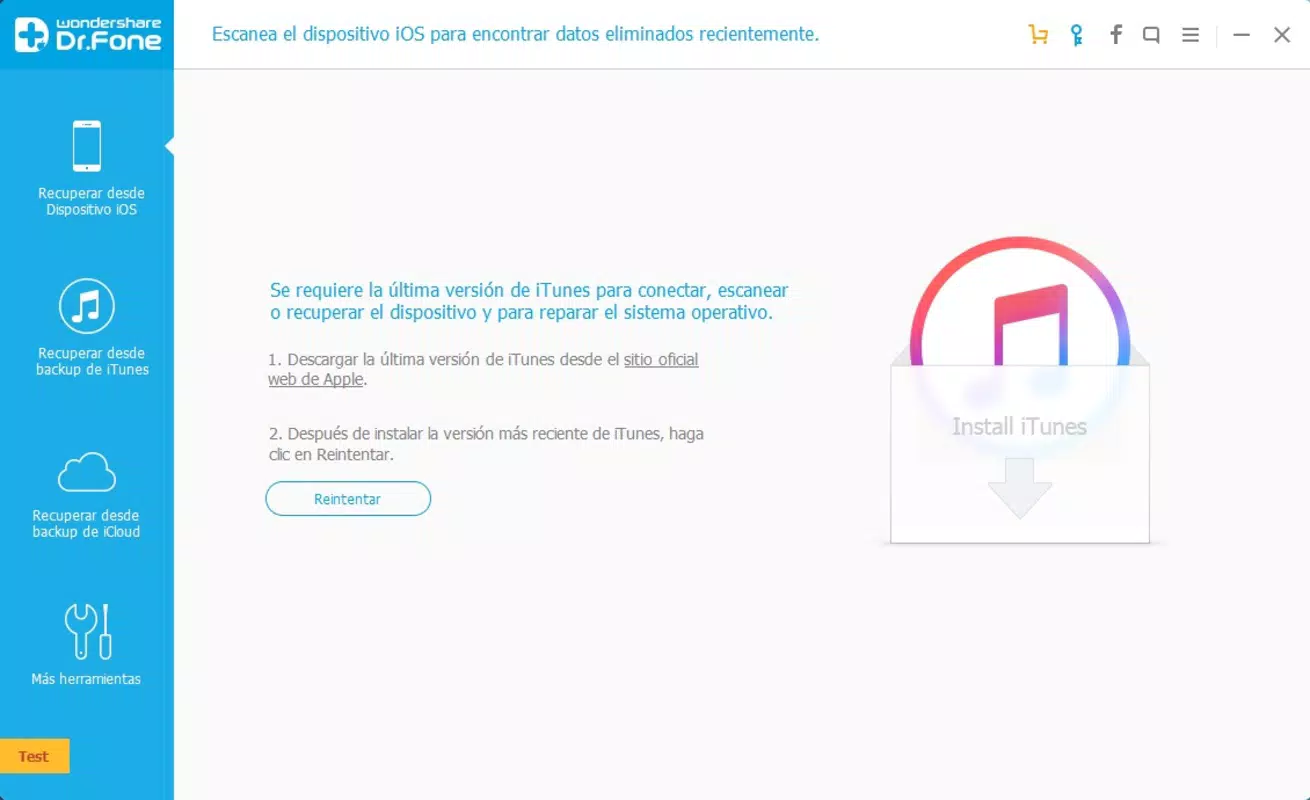
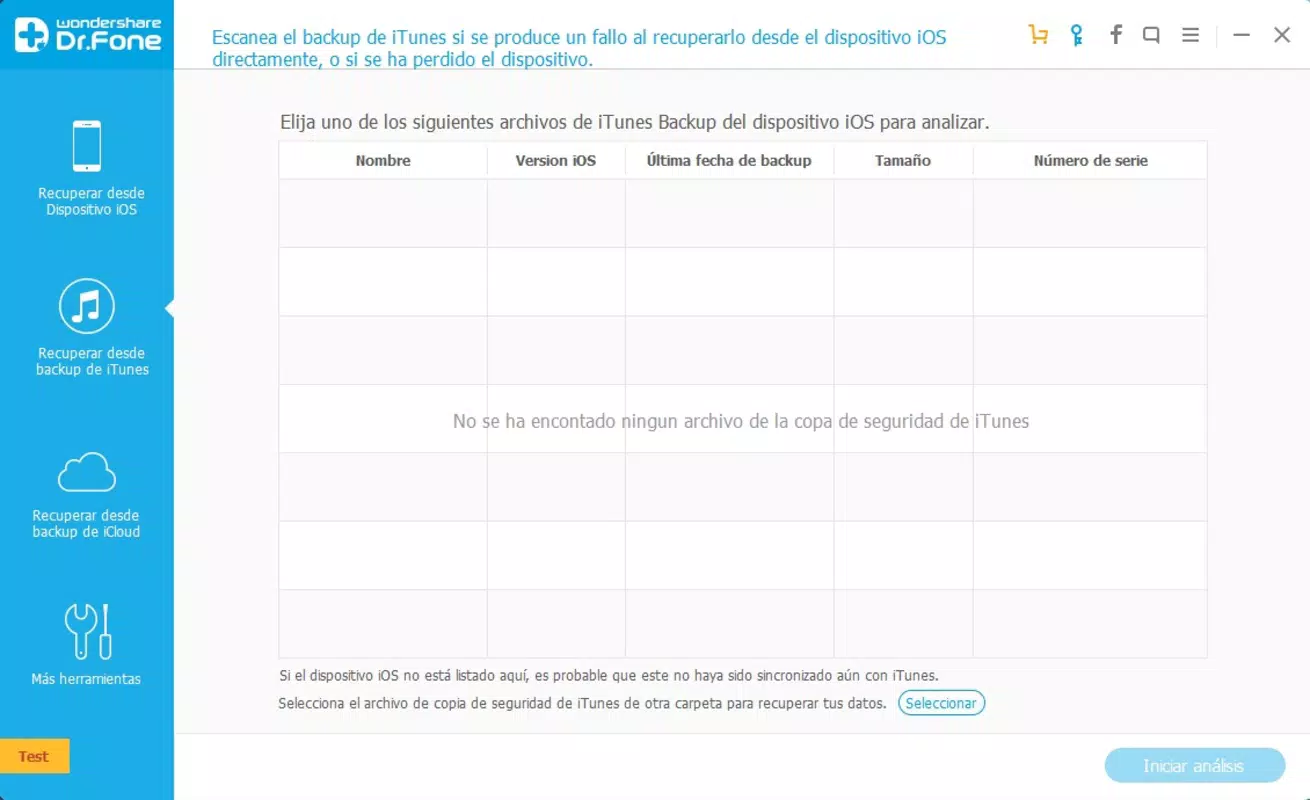
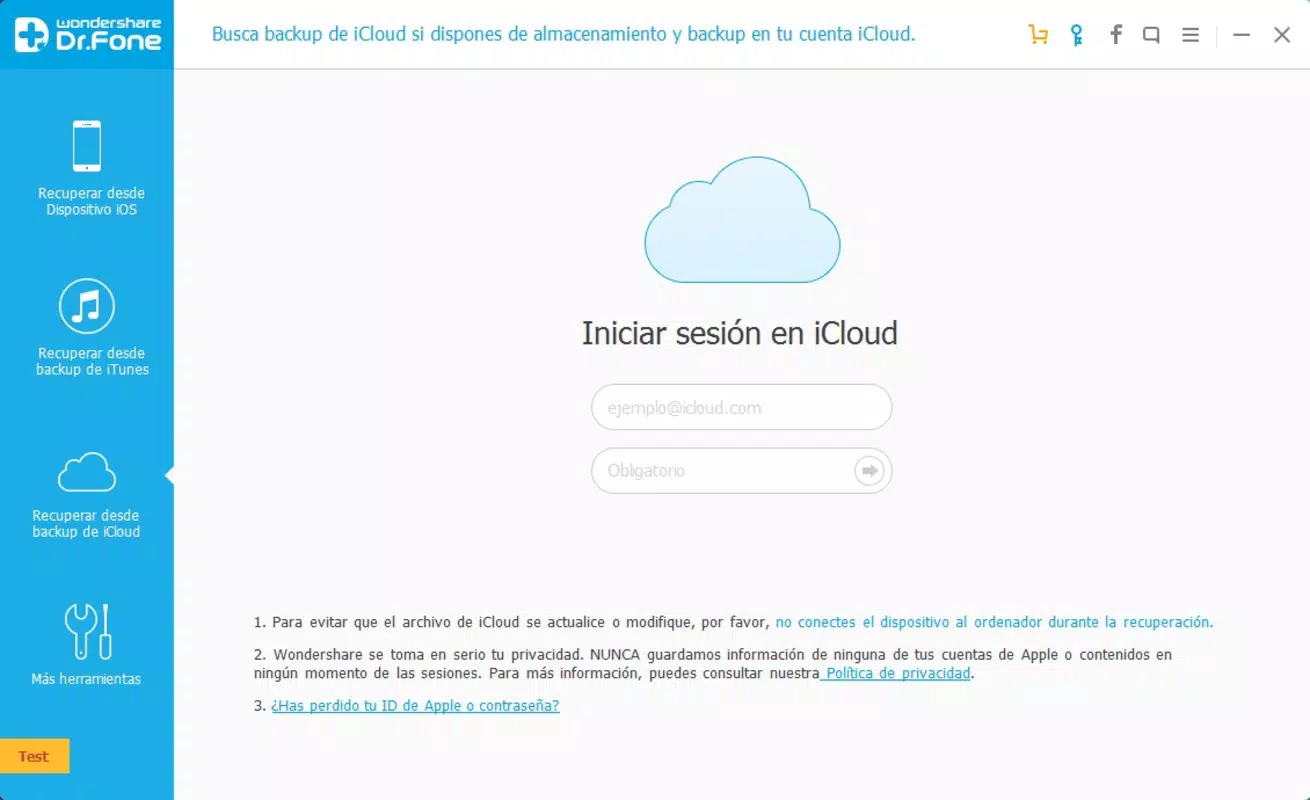
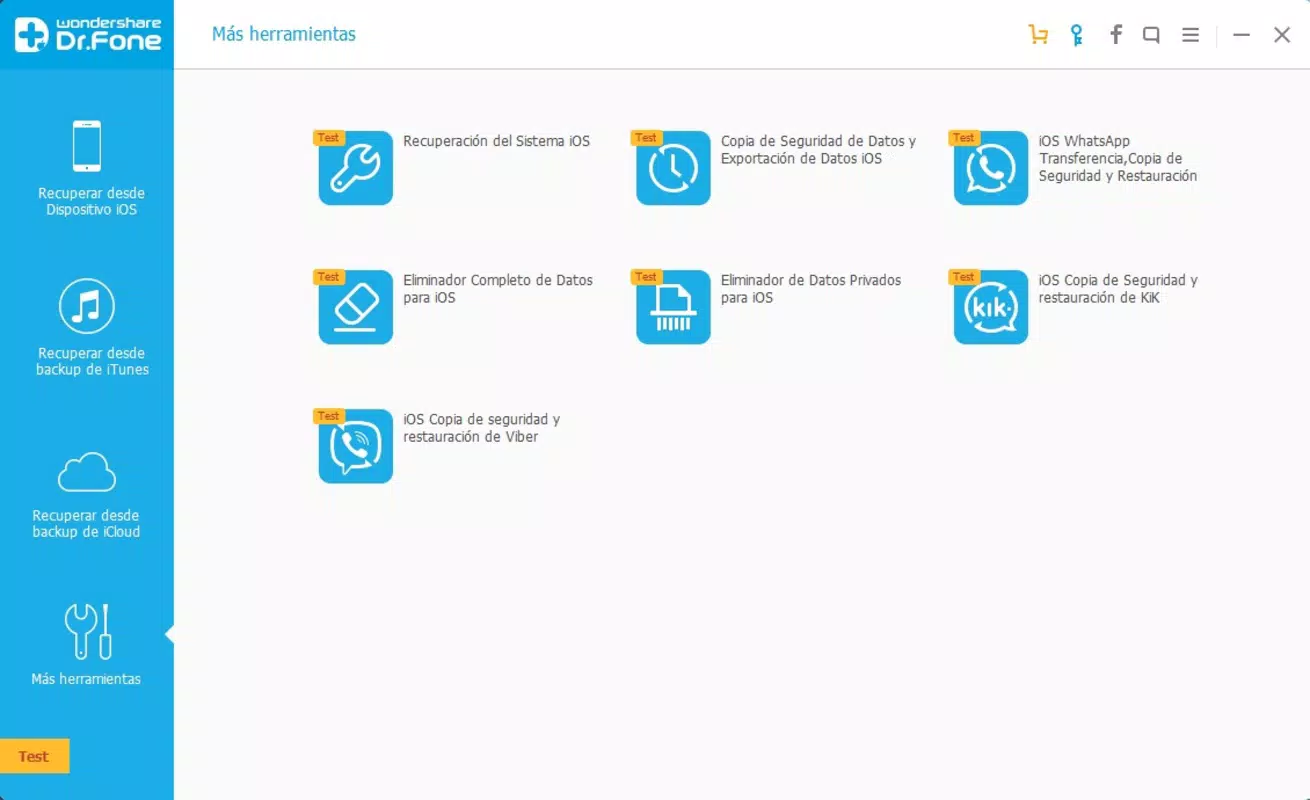
The user interface of Wondershare Dr.Fone for iOS is designed with simplicity and clarity in mind. The main dashboard presents clearly labeled options such as “Data Recovery,” “Backup & Restore,” and “Device Repair,” allowing users to quickly identify their desired function. Navigation is linear and consistent, guiding users through each recovery step with minimal friction.
Visual cues, such as progress bars and status indicators, help users understand the ongoing process. Although the developer did not list formal performance metrics, the application appears to respond promptly during typical operations, with minimal lag during scanning and file preview stages. Stability is maintained across various Windows environments, though specific device categories were not detailed.
Responsiveness is adequate for standard recovery tasks, and the software does not exhibit frequent crashes or freezes during use. The lack of visual clutter enhances usability, especially for users managing data recovery under stress. Overall, the experience reflects a mature product with a focus on usability over aesthetic flair.
However, users relying on older or low-spec systems may experience slower processing times, though this was not confirmed by the developer.
Platform Compatibility & Technical Requirements
Wondershare Dr.Fone for iOS is available exclusively on the Windows platform, requiring a compatible PC or laptop to function. The software version is 12.5.0.5042, with a file size of 208.7 MB, making it relatively lightweight for installation. The developer did not specify minimum OS requirements, so users should ensure their system meets general Windows compatibility standards.
While the application is designed for use with iOS devices, no information was provided about supported iOS versions or specific device limitations beyond general model compatibility. The absence of detailed technical specifications means users should exercise caution when deploying the tool on older or non-standard systems. No information was provided regarding cloud integration, mobile app availability, or cross-platform support.
Users are advised to verify system compatibility before installation to avoid potential issues.
Pros and Cons
Pros
- Supports a wide range of iOS devices, increasing accessibility for most users.
- Capable of recovering multiple file types, including photos, messages, and contacts.
- Offers a straightforward, guided interface suitable for non-technical users.
- Functions as a reliable last resort for data recovery when backups are unavailable.
- Operates directly from a connected device, reducing dependency on prior cloud or local backups.
Cons
- Exclusive to Windows; no support for macOS or mobile platforms.
- Recovery success is not guaranteed and depends on various factors such as device condition and time since deletion.
- Price point of $99.95 may be considered high for occasional users.
- Developer did not provide detailed system or iOS version requirements.
- Limited information on post-recovery data integrity or export options.
FAQ
Is Wondershare Dr.Fone safe to use for iOS data recovery?
The software is designed to access data without modifying the original device files, minimizing the risk of further data loss. However, users should always download the tool from the official Wondershare website to ensure authenticity.
Can I recover data without a backup?
Yes, Wondershare Dr.Fone is specifically designed to recover data directly from iOS devices even in the absence of a prior backup, making it a valuable option for users without recent backups.
Does the app work on macOS?
No, the current version of Wondershare Dr.Fone for iOS is only available for Windows. There is no official macOS version available at this time.
How often should I update the software?
It is recommended to keep the application updated to the latest version to ensure compatibility with new iOS models and to benefit from performance improvements and bug fixes.
What types of data can be recovered?
The tool supports recovery of photos, contacts, messages, call logs, calendars, notes, and ringtones. The exact success rate may vary depending on the file type and device state.
Final Thoughts
Wondershare Dr.Fone for iOS stands out as a dependable tool for users facing the distress of data loss on their Apple devices. Its broad compatibility, multi-file recovery capability, and intuitive interface make it a practical choice for both casual and professional users. While the $99.95 price tag may deter some, the value lies in its ability to offer a final recovery attempt when no backups exist.
The software fills a critical gap in the mobile data protection landscape, providing peace of mind to users who prioritize data integrity. For those who have experienced accidental deletions or device issues, Dr.Fone offers a structured, accessible solution. If you’re seeking a reliable way to recover lost files from your iPhone or iPad, this tool delivers on its promise.
Download Wondershare Dr.Fone iOS now.


